How it works
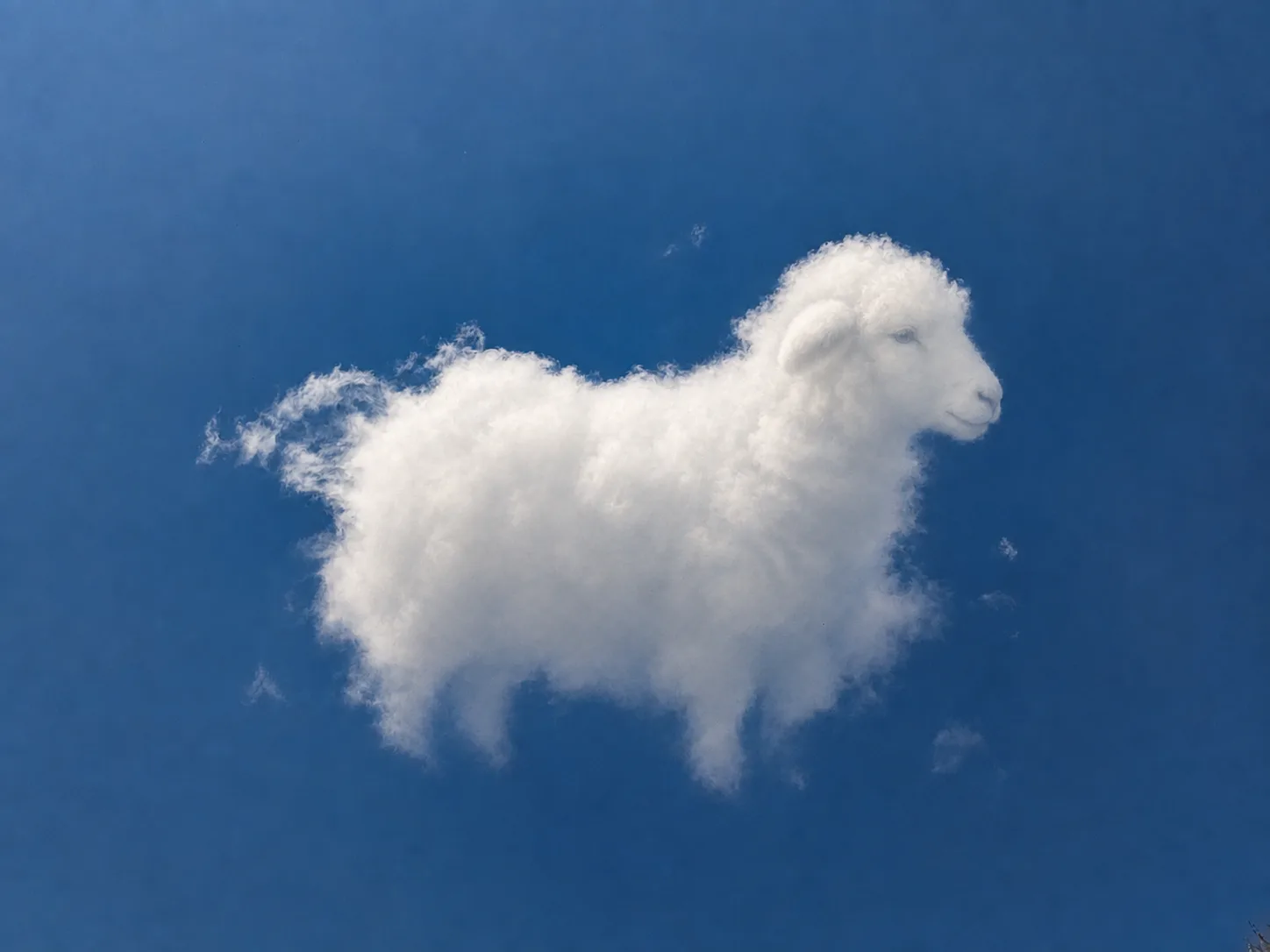
See it in the cloud.Let CloudMuse reveal it.
CloudMuse begins with your imagination. Select the cloud, describe the subject you already perceive, and turn that personal reading into a visual reveal.
The CloudMuse journey
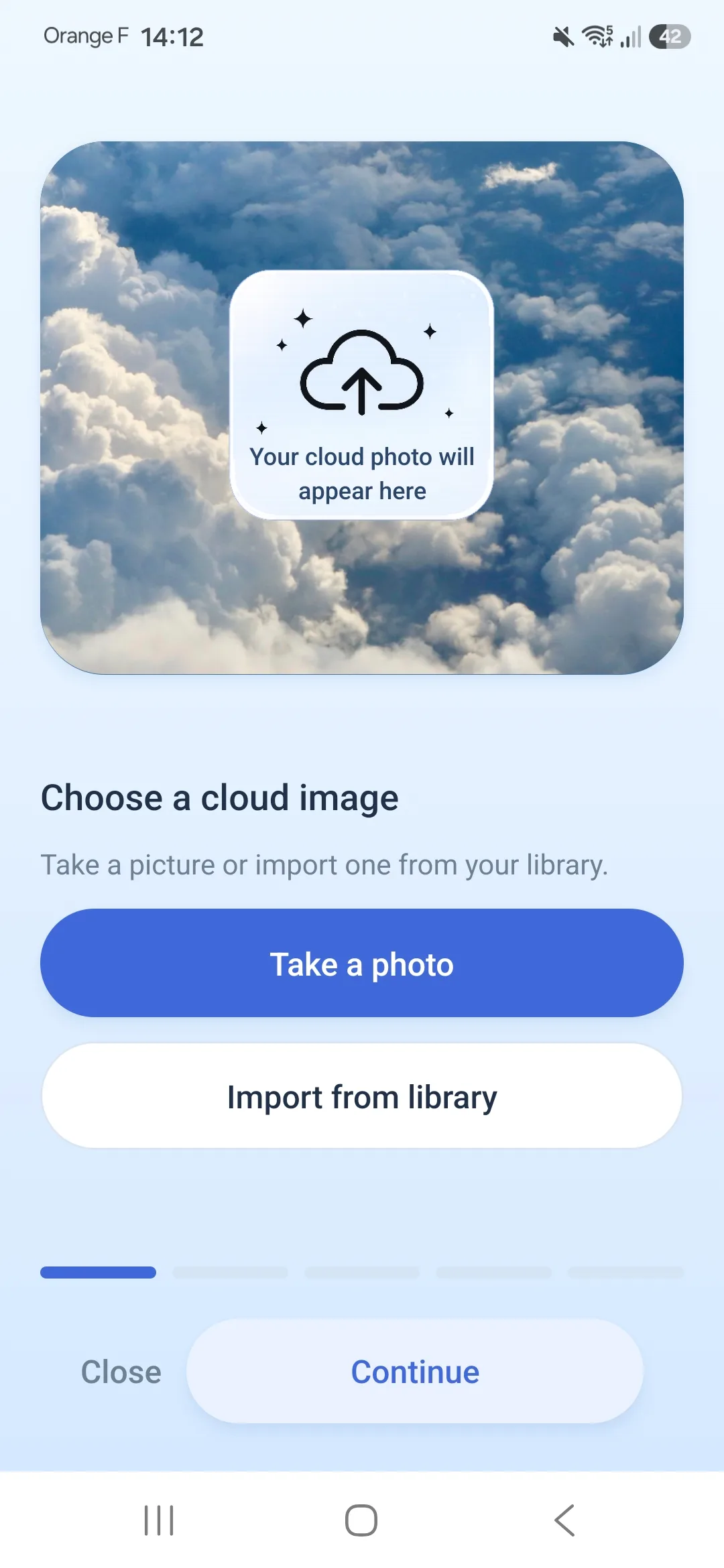
Choose your cloud
Take a photograph or choose one from your library. Frame the cloud that sparked an idea and roughly select the relevant area.
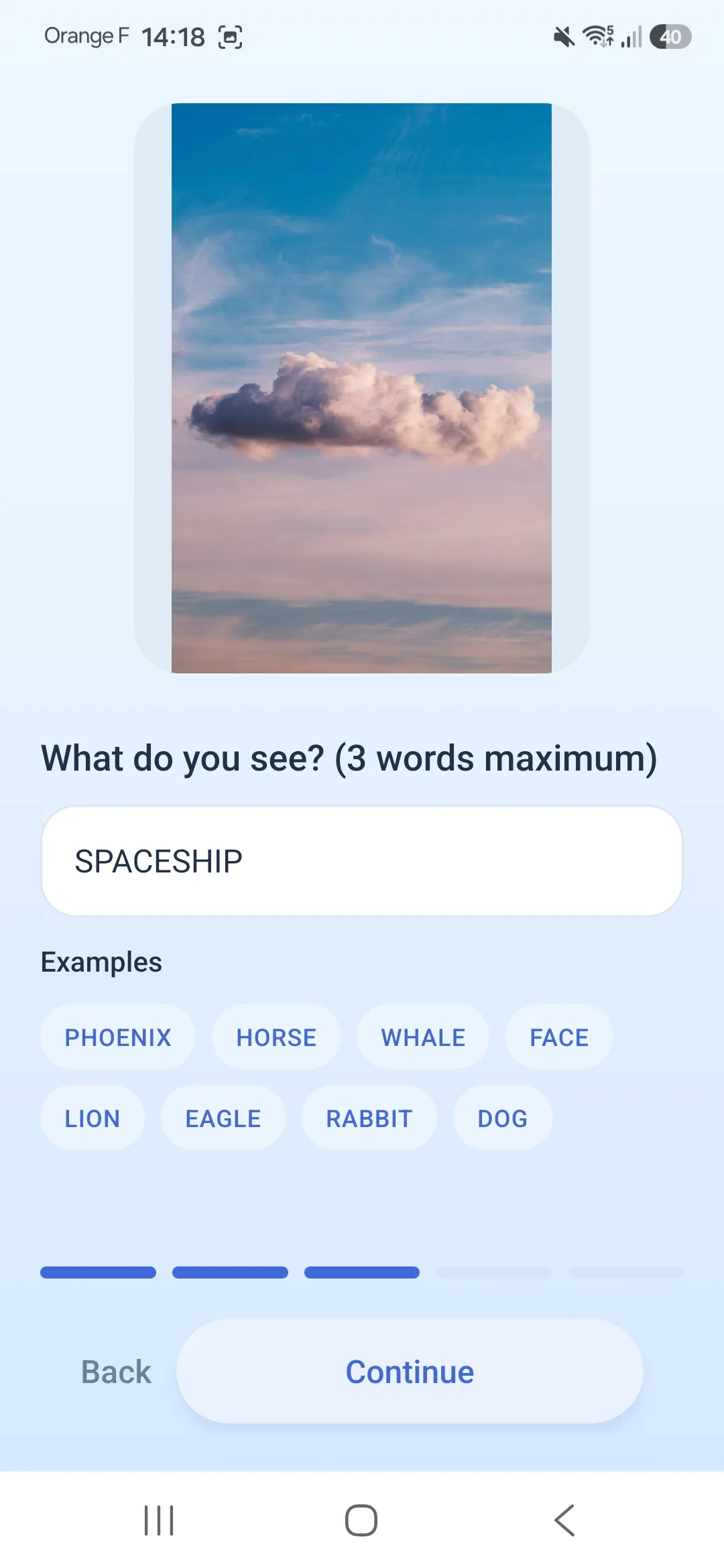
Tell CloudMuse what you see
Describe the animal, face, object, or imagined creature you noticed. Add the orientation when that makes your idea clearer.
Watch the reveal
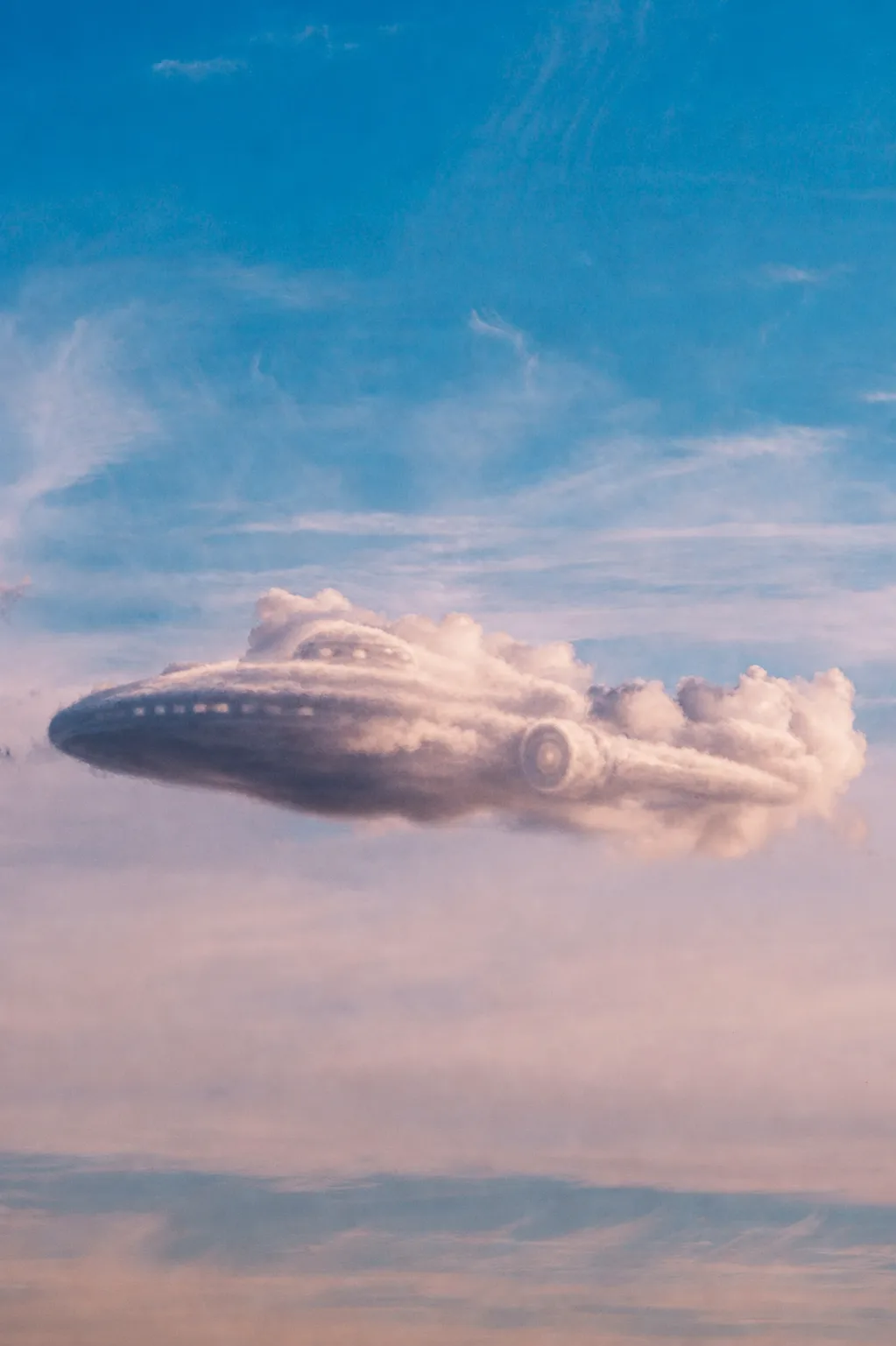
CloudMuse brings your chosen subject forward while preserving the visual identity of the cloud that inspired it.
The result
One cloud, now easier to see through your eyes.
The original and reveal stay together so the connection remains clear.